Themes
Best Codex Themes in 2026: Six Picks That Survive Real Work
A theme should be judged after a long task, not after a screenshot. Here are six directions, the criteria behind them and the failures we reject.
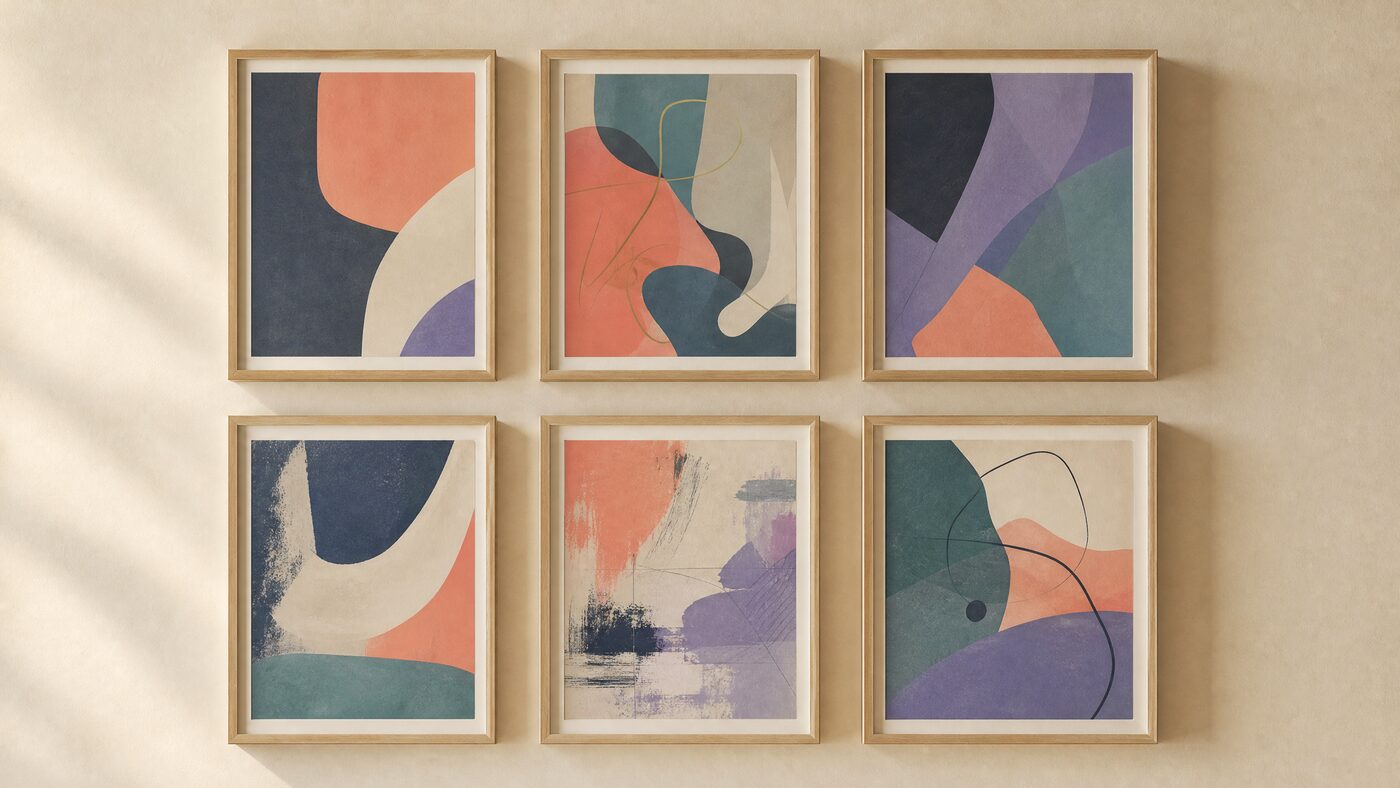
Quick answer
The best Codex theme in 2026 is the one that keeps task text, diffs and controls readable after an hour. Obsidian Calm is our quiet default, Paper Focus is the best daylight option, Neon Debug is the best high-energy choice, and Sakura Terminal is the strongest anime-inspired direction. Test contrast and restore before installing any of them.
The six criteria we use
We do not rank themes by how they look in a thumbnail. We rank them by what happens when a task runs long enough to fill the screen. The first criterion is text contrast against the actual surface, not against the image's brightest pixel. The second is panel separation: can you tell where the task ends and the sidebar begins?
These six directions are also the working shortlist in the free CodexSkin studio. We built them as presets because we use them ourselves, not because a sponsor paid for a position. Open the gallery, load a preset and replace the artwork with something you own; the preview and the contrast check cost nothing.
The next four are diff readability, control contrast, visual noise in the reading column and restore safety. A theme that scores well on the first five but cannot be removed is not a recommendation; it is a liability. We test every direction in the same browser studio and reject anything that needs a patched app.
A useful shortcut: if you cannot read a dense diff at 80% zoom, the theme is not finished. Fix the surface before you change the artwork.
1. Obsidian Calm: the quiet default
Obsidian Calm is a near-black slate surface with a thin coral aurora at the edge. It is the closest thing to a neutral dark theme in the gallery: the artwork stays out of the reading column, the accent is restrained and the contrast is comfortable rather than maximal. It is the theme we recommend first to someone who works at night.
The weakness is personality. If you want the workspace to feel like a specific place, Obsidian Calm is a room, not a scene. That is also its strength: it does not compete with the work. Use it when the task is the main character.
2. Paper Focus: the daylight option
Paper Focus uses warm paper instead of pure white. The difference is small in a screenshot and large after an hour. Pure white maximizes glare and makes long reading feel brittle; a warm off-white keeps the page calm while preserving enough contrast for slate text and a coral accent.
The theme fails if the borders are too faint. Minimalism is a hierarchy problem, not a lack of pixels. We test disabled buttons, placeholder text and a dense diff before calling it finished. When those pass, Paper Focus is the best daytime theme in the set.
3. Neon Debug: the high-energy choice
Neon Debug is a rain-slick cyberpunk street with cyan and magenta light. The trick is that the neon stays at the edges and the reading column stays dark and matte. It is expressive without turning every panel into a light source.
This is not a theme for everyone. Saturated color reduces perceived sharpness, so small type needs extra testing. If you spend the day in a dense terminal, choose a quieter direction. If you demo, stream or want the workspace to feel alive, Neon Debug earns its place.
4. Sakura Terminal: the anime direction
Sakura Terminal is an original rooftop at golden hour, with drifting petals and a coral sky. It borrows the anime vocabulary without borrowing a character. That matters: a recognizable character screenshot is a rights problem, not a theme strategy.
The composition keeps the sky quiet and the blossom detail at the edges. It is the most forgiving anime-inspired direction we have tested because the center is almost empty. If you want more energy, Midnight Idol pushes the palette further, at the cost of more visual noise.
5. Pumpkin Signal and Winter Terminal
Pumpkin Signal is a haunted garden with carved pumpkins and violet fog. Winter Terminal is a frosted studio with evergreen light and a deep teal surface. Both are seasonal, but neither depends on a countdown or a fake discount to be useful.
Seasonal themes work when they are atmospheres, not costumes. Keep the pumpkins, snow and lights at the edges and give the work a calm center. If a seasonal theme only feels right for one week, that is fine; the mistake is letting it damage readability for the other fifty-one.
How the six directions compare
The table below is a summary, not a score. A theme that wins on contrast can lose on personality, and a theme that wins on personality can fail on a dense diff. Use the criteria, then choose the trade-off you want to live with.
- Obsidian Calm: best quiet dark theme; lowest visual noise.
- Paper Focus: best daylight theme; watch border contrast.
- Neon Debug: best high-energy theme; test small type.
- Sakura Terminal: best anime-inspired theme; original scene, no character art.
- Pumpkin Signal: best October theme; keep orange out of the panel.
- Winter Terminal: best December theme; keep red and green out of the diff.

How to test a theme before you keep it
Open a long task with code, a diff with additions and removals, a disabled button, a focused input and an empty state. Switch between Home, Task and Diff. If any surface loses hierarchy, the theme is not ready. Then run the restore flow once, on purpose, before you need it.
This takes about ten minutes and prevents the most common failure: a theme that looks great in a gallery and becomes exhausting by lunch. The studio measures contrast, but only you can judge whether the room feels right after an hour.
The verdict
If you want one recommendation: start with Obsidian Calm for night work and Paper Focus for daylight. Add Neon Debug or Sakura Terminal when you want a specific mood, and keep the seasonal themes for their season. None of them requires a patched app or an executable theme pack.
The best theme is not the most dramatic one. It is the one you stop noticing because the work is easy to read. That is a lower bar than most theme galleries admit, and a more useful one.
FAQ
What is the best Codex theme overall?
Obsidian Calm is the safest default for dark work, and Paper Focus is the best daylight option. The real answer depends on your room, screen and task; test both with a dense diff before deciding.
Are these themes free?
The browser presets and studio are free. Some guides and recipe packs are paid one-time downloads. The theme gallery itself does not require a purchase.
Do these themes include character art?
No. The presets are original scene directions. Recognizable characters, film stills and brands are not included and are not licensed for resale.
Will a theme slow down Codex?
Native color themes have negligible impact. A background engine adds a rendering layer, so test scrolling and resizing on your machine. Keep images compressed and reasonably sized.
How do I remove a theme?
Use the reviewed engine's restore entry, relaunch Codex and verify Home, Task and Diff. Native color changes can be reverted in appearance settings.
Why not use pure black?
Pure black can cause halation and makes panel separation harder. A near-black slate is usually more comfortable for long sessions while keeping most of the battery benefit on OLED.
Sources and further reading
Next step
Try the free studio
Every guide is easier to follow with a real image. Open the studio, load a preset and test the three surfaces.
More guides
Read next
Codex Theme Contrast: A Practical Guide for Readable Skins
Contrast is not a score you maximize. It is a range you tune until the work stays comfortable.
Codex Themes on Mac vs Windows: What Actually Works
The browser preview is the same. The installation layer is not. Here is the honest platform matrix.
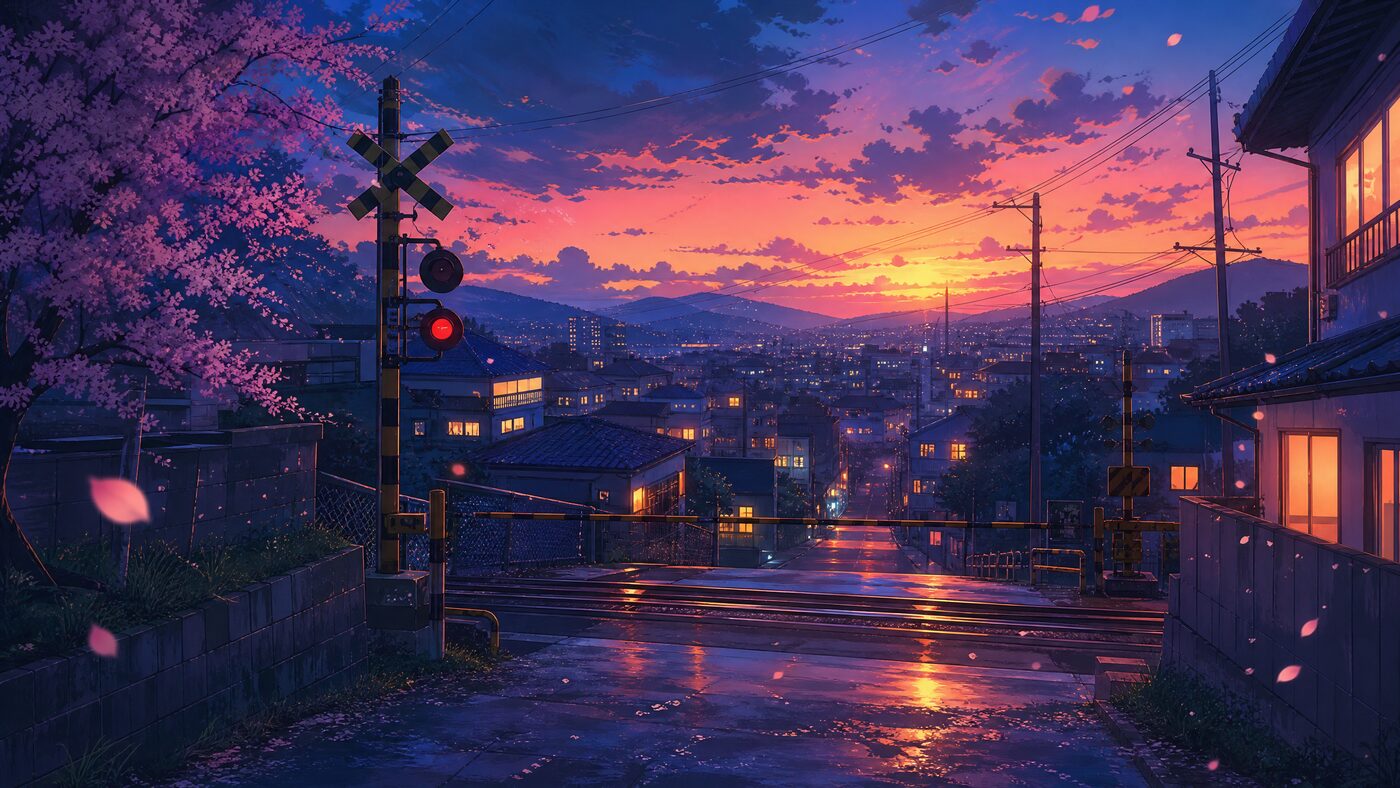
Anime Codex Skin Ideas: Six Original Scenes, No Character Theft
You can borrow the genre without borrowing someone else's character. These six scenes keep the mood and the rights clean.