Free local tool
Codex Skin Generator: Turn One Photo Into a Readable Skin
Start with an image you own, choose a composition, test the real Home, Task and Diff surfaces, then export a data-only recipe you can inspect and undo.
Updated 2026-10-20
Quick answer
A Codex skin generator prepares an image and a small set of appearance settings for Codex Desktop. CodexSkin does that work in your browser: crop, dim, blur, contrast checks and a data-only export. Your image is never uploaded, and the website never installs anything into the app.
$0to build and export
0image uploads
4.5:1text contrast gate
Free local tool
A generator should remove work, not hide risk.
Most Codex skin tutorials start with a ZIP and a command. That order is backwards. A background image is only useful after you have seen it behind a long task, a diff and a focused input. CodexSkin starts with that preview, then exports the smallest artifact that can reproduce the look.
The generator is deliberately narrow. It changes the background, dimming, blur, panel opacity and a small color set. It does not inject JavaScript, CSS, shell commands or provider settings. If a download asks you to run something you cannot read, it is not a skin; it is software.
How it works
The decisions that actually change the result
- 01
Choose a rights-cleared image
Use a wide photo, illustration or wallpaper you own or are licensed to use. Avoid logos, private conversations and faces you cannot publish.
- 02
Frame the reading column
Move the subject away from the center where Codex renders task text. A quiet middle beats a dramatic crop that destroys legibility.
- 03
Tune the real surfaces
Switch between Home, Task and Diff. Raise dimming before adding blur, and keep text contrast at 4.5:1 or better.
- 04
Export and verify
Copy the native color theme or export the data-only recipe. Install through the reviewed upstream entry, then practice the restore path once.
Prompt recipes
Prompt recipes for AI image models
These prompts are for creating a backdrop in your own account at WaveSpeed, SeeAPI, fal, Replicate or KIE. CodexSkin does not run them or charge for them.
Backdrop for image editing
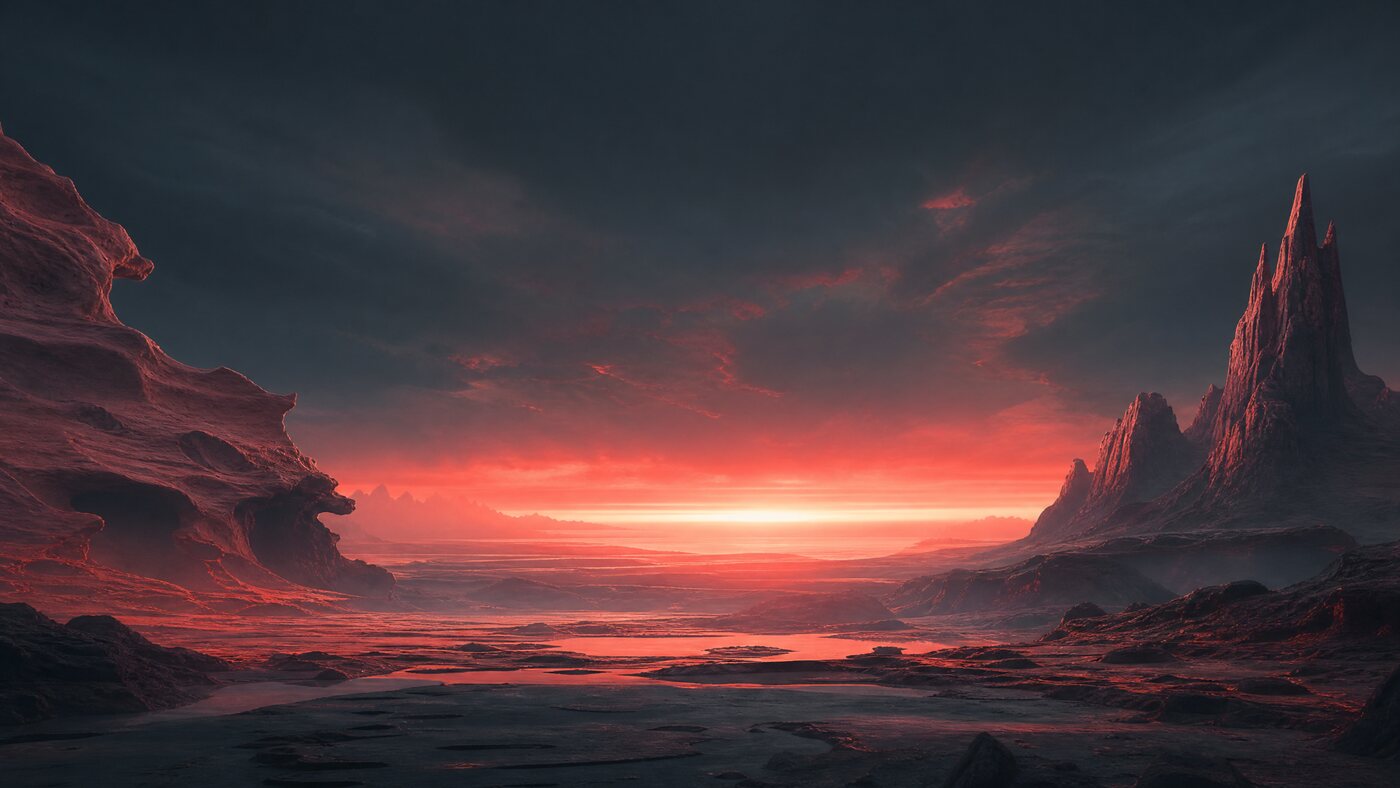
Create a wide 16:9 desktop backdrop for a developer tool. A calm coral science-fiction landscape with a soft horizon, restrained detail in the center, deep shadows at the edges, cinematic light, no text, no logos, no people, no watermark. Leave the middle third visually quiet for UI panels.Backdrop for fast iteration
Minimal warm-paper interior for a desktop wallpaper, pale oak shelf and one coral object, soft morning light, large empty center for interface overlays, editorial photography, no text, no logos, no people.Image-to-image cleanup
Keep the composition and lighting of the uploaded image. Remove any text, logos and hard-edged objects from the center third. Reduce contrast in the middle, keep the edges rich, and return a clean 16:9 backdrop suitable for a dark developer interface.Which path fits
4 paths, one honest table
Free browser studioBest for testing a personal image before spending anything.
$9.99 recipe packBest when you want three tested compositions and a written workflow.
$49 custom serviceBest when you already have a source image and want a finished direction.
AI image APIUseful for creating a backdrop, not for installing or validating a Codex skin.
Next step
Try one image before you buy anything.
The studio opens with a preset. Replace it with your own photo, check the three surfaces, and export only when the text still reads.
FAQ
Questions people actually ask
Is the Codex skin generator free?
Yes. The browser studio, contrast check and data-only export are free. Paid items are optional guides and recipes, not a paywall on the tool.
Does CodexSkin upload my photo?
No. Decoding, cropping, palette extraction, preview and packaging happen in your browser. The site does not receive the image bytes.
Does the generated file install itself?
No. The .dreamskin archive is a review artifact. Installation, verification and restore belong to the upstream Dream Skin engine and its platform entries.
Which image size works best?
Use a wide image, ideally 1600 pixels or wider on the long edge. A 16:10 or wider composition gives Codex room for panels without stretching the subject.
Can I sell a skin made from a generated image?
Only if the image license allows redistribution. A generator's output does not automatically grant rights to recognizable people, characters, brands or another artist's style.
Does this work for Codex pets too?
The same image discipline applies, but pets use a separate nine-state workflow and atlas validator. Open the pet studio when you want a companion rather than a background.