Safety
Codex Skin Safety: The Checklist Before You Run Anything
A theme is decoration. The moment it asks for shell access, it is software. Treat it that way.
Quick answer
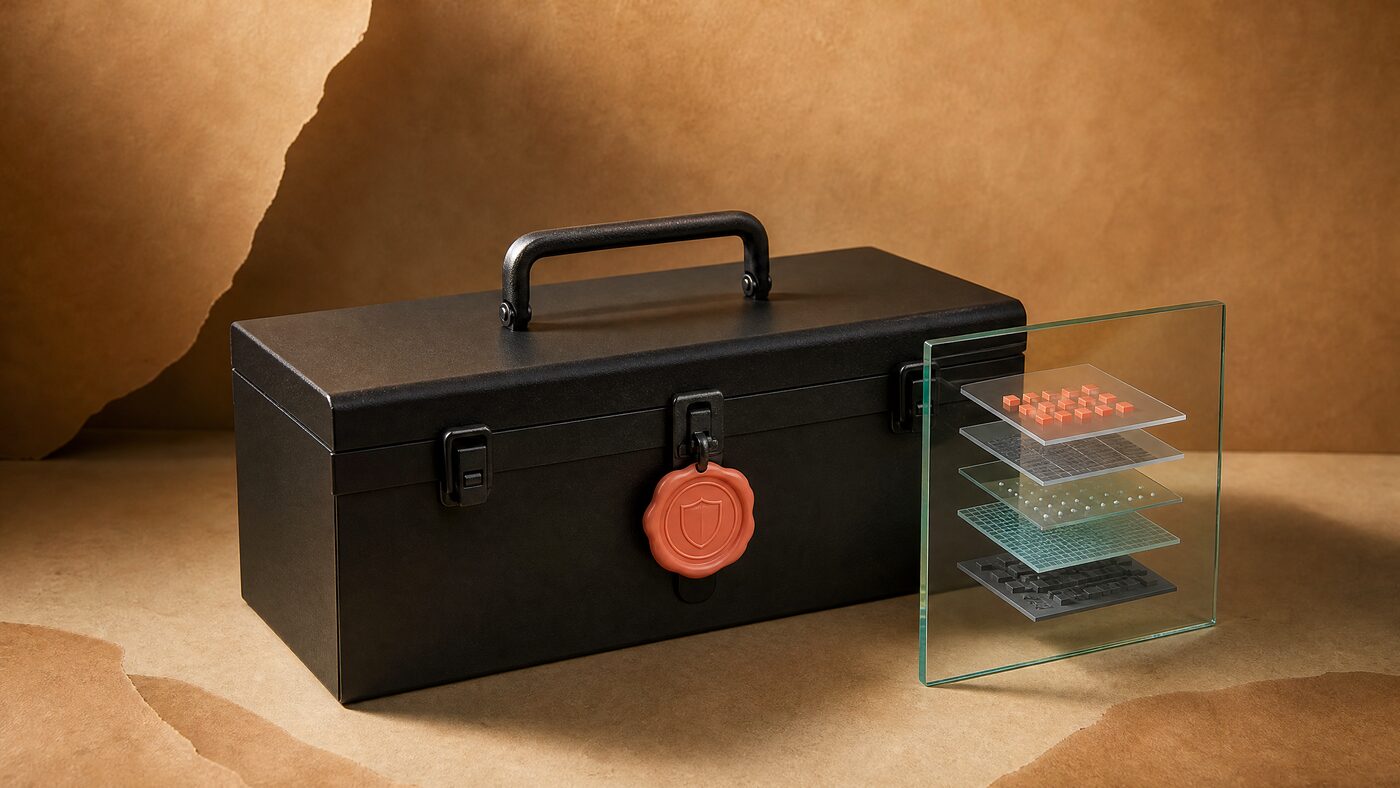
Before running a Codex skin, check what the package contains, where the install script comes from, whether it modifies the official app or signature, which local ports it opens and how it restores. A safe skin is data-only, installs through a reviewed engine and can be removed without reinstalling Codex.
The threat model in one paragraph
A skin wants to draw behind the native interface. Some implementations use a local debugging session, some patch the app, and some ship a script that does whatever it wants. The first is a local surface with real risk, the second breaks signatures and updates, and the third is just software with a decorative label.
The question is not whether a theme is pretty. The question is what it can read and change on your machine. A package that can execute arbitrary commands is not a theme pack, regardless of how it is marketed.
What a data-only package should contain
If the archive contains a script, read it before running it. If you cannot explain what every line does, do not run it. This is true even when the download comes from a site you like; a compromised release is still a compromise.
Open the archive in a viewer, not by double-clicking an installer. Check the file list for hidden paths, symlinks and files that are much larger than a theme should need. A 40 MB theme with a binary inside is not a theme. If the manifest references a remote URL, read where it points before you let the engine fetch it.
- A manifest that names the theme and its version.
- A declarative theme file with colors, positions, dimming and opacity.
- A WebP or PNG background and a preview image.
- A license or rights note for the artwork.
- A digest or signature metadata file.
- No JavaScript, shell, PowerShell, executables or arbitrary CSS.
Red flags that should stop you
Any one of these is enough to stop. A legitimate theme does not need your credentials, your model provider settings or a modified official binary. If the seller cannot explain the restore path, they have not finished the product.
- The install command downloads and executes a remote script.
- The package asks for administrator or root access for a visual change.
- It modifies app.asar, WindowsApps or the code signature.
- It asks for API keys, provider settings or your Codex login.
- It bundles an obfuscated binary or a minified script with no source.
- The site cannot explain how to restore the stock interface.
Local CDP is a real surface
Some background engines use the Chrome DevTools Protocol on a loopback port. Binding to 127.0.0.1 prevents other machines from connecting, but it does not protect you from a malicious process on the same computer. That is a meaningful difference from a pure color theme.
If you use an engine like this, review its source, keep the port loopback-only, do not run unknown local programs while it is active, and stop the session when you are done. The convenience is real; so is the trust boundary.
Package safety checklist
Tick only what you have actually verified.
Test the restore before you need it
Open the restore flow once, on purpose, before you customize further. Quit and relaunch Codex and verify Home, Task and Diff. If the stock interface does not come back, you have found the problem at the right time.
Keep the engine version and restore notes with the theme. A future Codex update may change the rendering surface; the next person needs to know which version was known to work.
Take a screenshot of the stock Home screen before the first install. It gives you a baseline that is independent of memory and lets you compare panel colors, borders and spacing after a restore. Keep it with the engine version; a visual baseline ages better than a description. If the stock screenshot and the restored screen differ, stop and investigate before reinstalling.
Artwork rights are part of safety
A theme that uses a recognizable character, a film still or someone else's photo creates a legal risk even if the file is technically clean. Personal use is not the same as publishing or selling. Keep the source and license with the project.
The safest visual strategy is an original composition: a landscape, an interior, an abstract material or an original character. It is also more durable, because you do not have to remove it when a license changes.
The one-page checklist
If a seller cannot answer these questions in plain language, do not install. The burden of proof is on the package, not on you. A theme is optional; a compromised machine is not.
- The download is data-only and contains no executable content.
- The engine source is public and pinned to a version you can identify.
- The install path is documented for your platform.
- The restore path is documented and has been tested.
- The official app, signature and provider settings are untouched.
- The artwork is owned or licensed for the intended use.
- The theme passes contrast and a real diff test.
FAQ
Are Codex skins safe?
A data-only skin installed through a reviewed engine can be reasonably safe, but it still carries the engine's local risk. A package that runs arbitrary scripts or modifies the official app is a different risk category and should be avoided.
Do I need to modify app.asar?
No. Avoid changing the official app package, code signature or WindowsApps directory. A safe skin changes appearance without replacing the app binary.
What is CDP and why does it matter?
CDP is the Chrome DevTools Protocol. Some engines use it on a local loopback port to draw behind the interface. It is a real local surface, so review the source, keep it loopback-only and restore when done.
How do I know a theme pack is data-only?
Open the archive. A data-only package contains a manifest, theme settings, images, a license and a digest. If you see scripts, executables or arbitrary CSS, treat it as software.
Can I use a theme pack from an unknown site?
Only after reviewing the contents and the engine. An unknown site is not automatically malicious, but it has not earned trust either. Read the files before you run anything.
How do I recover if a skin breaks Codex?
Run the engine's restore entry, relaunch Codex and verify Home, Task and Diff. If that fails, follow the platform recovery notes and report the exact version and error without sharing private content.
Sources and further reading
Next step
Try the free studio
Every guide is easier to follow with a real image. Open the studio, load a preset and test the three surfaces.
More guides
Read next

How to Make a Codex Skin From a Photo Without Hiding the Work
A photo can become a skin in ten minutes. Making it readable after an hour takes a few more decisions.
Codex Themes on Mac vs Windows: What Actually Works
The browser preview is the same. The installation layer is not. Here is the honest platform matrix.

Codex Pet Skins: The Complete Guide to Nine Consistent States
A pet is a tiny state system. The difference between charming and broken is whether the character survives all nine poses.