Local pet workflow
Codex Pet Generator: Turn a Photo Into Nine Readable States
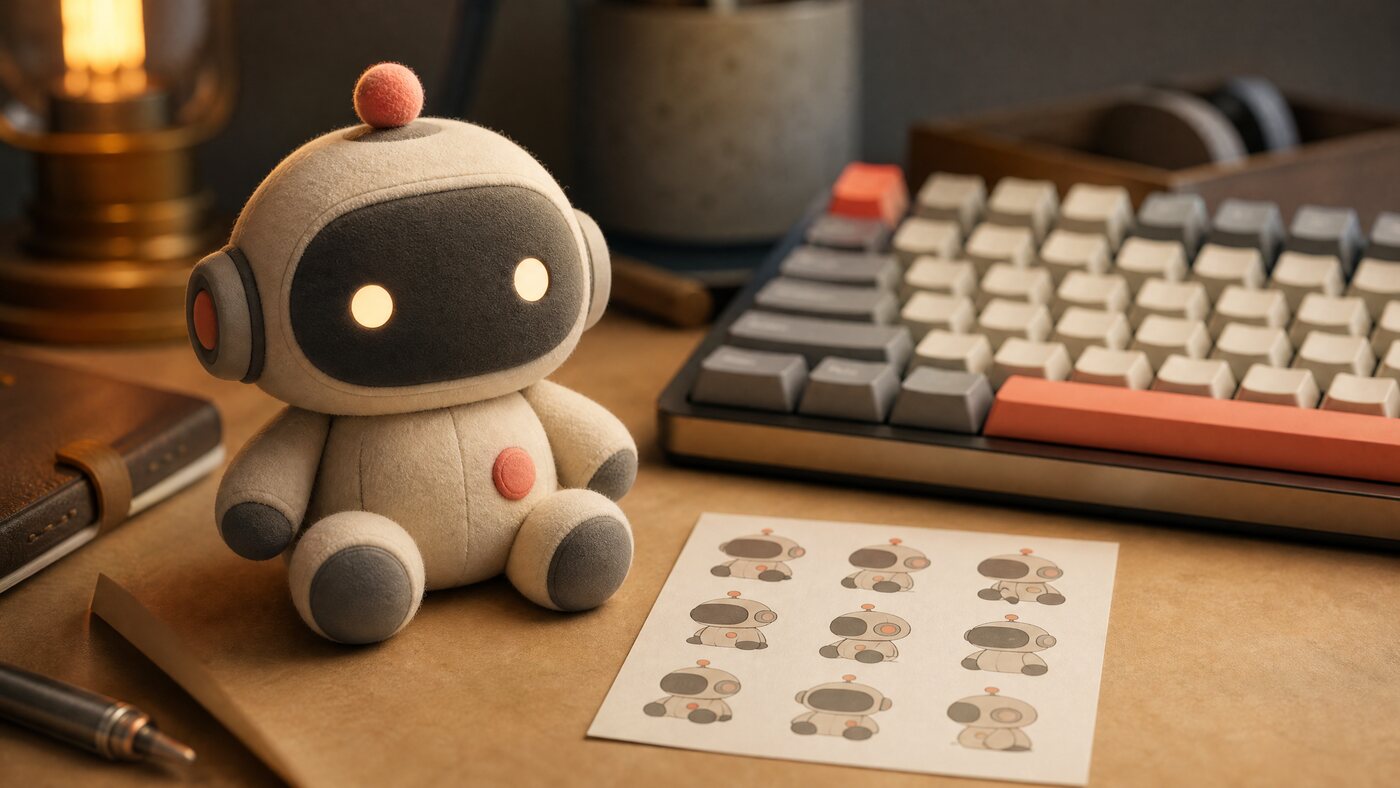
A Codex pet is not one cute image. It is a small state system. Plan the nine poses, keep the species and markings consistent, then validate the atlas before you share it.
Updated 2026-10-20
Quick answer
A Codex pet generator turns a photo or original character into a nine-state companion package. CodexSkin prepares a precise prompt brief, previews each state, checks the sprite atlas and metadata in your browser, and exports a package you can review. It does not upload the photo or promise a one-click install.
9states to plan
0photo uploads
1atlas validator
Nine-state check
Click a state. The face changes; the character contract must not.
Silhouette and markings read at small size.
Local pet workflow
The hard part is consistency, not cuteness.
A pet that looks great in one pose and loses its markings in the next feels broken. The nine states need the same species, face, palette and silhouette. That is a production problem: define the character once, then vary pose and expression without changing identity.
CodexSkin separates the work into a brief, a state preview and a package check. The brief tells an image model what must stay fixed. The preview shows what changes. The validator catches the boring failures: wrong atlas size, missing states, inconsistent frame counts and metadata that does not match the image.
How it works
The decisions that actually change the result
- 01
Write the character contract
Record species, markings, eye color, accessory and the one detail that must never change. This becomes the anchor for every state.
- 02
Prepare the source photo
Use a clear, well-lit photo you own. Crop to the character, not the room. If the face is obscured, choose another photo before spending a generation.
- 03
Generate the nine states
Work in small batches. Reject any state that changes the species, markings or proportions, even if it looks charming on its own.
- 04
Validate before install
Check the atlas dimensions, state names, frame counts and pet.json. Preview all nine states, then follow the upstream install and restore path.
Prompt recipes
Prompt recipes for AI image models
These prompts are for creating a backdrop in your own account at WaveSpeed, SeeAPI, fal, Replicate or KIE. CodexSkin does not run them or charge for them.
Nine-state character sheet
Create a nine-pose character sheet for an original pet companion. Keep the same species, fur color, distinctive markings, eye color and body proportions in every pose. Poses: idle, listening, thinking, working, success, error, sleeping, celebrating, alert. Flat warm studio background, clean silhouette, no text, no logos, no extra characters.Single-state edit
Use the uploaded pet photo as the identity reference. Preserve species, fur color, markings, eye color and face. Change only the pose to a friendly listening stance. Keep the same lighting and background. Do not add accessories, text, logos or extra animals.Pet portrait backdrop
Create a cozy autumn studio backdrop for a pet portrait, warm practical lighting, miniature pumpkins at the edges, large quiet center, photorealistic fur texture, 16:9, no text, no logos, no people.Which path fits
4 paths, one honest table
Free pet studioBest for preparing the brief, previewing states and checking a package.
$4.99 pet playbookBest when you want the nine-state storyboard, QA checklist and launch captions.
$9.99 recipe packAdds skin recipes and the broader trust-boundary guide.
Image API aloneGenerates pictures; it does not validate the atlas or the install contract.
Next step
Start with one photo and one character contract.
The free studio prepares the brief and checks the package. Buy the playbook only when you want the full nine-state production workflow.
FAQ
Questions people actually ask
What is a Codex pet?
A Codex pet is a small visual companion that changes appearance across task states. It is decorative: it should not change how Codex reads, writes or executes work.
Do I need nine separate images?
The companion format expects a set of named states packed into an atlas. The exact dimensions and state names depend on the upstream format, so validate the real package rather than assuming a generic sprite sheet will work.
Does CodexSkin upload my pet photo?
No. The photo is decoded and previewed locally. The brief and package checks run in the browser; the image bytes are not sent to CodexSkin.
Can I use a photo of a real pet?
Yes, if you own the photo and have the right to create and share the result. Do not use a photo of someone else's pet or a recognizable character without permission.
How long does a pet take?
The brief takes a few minutes. Generation and visual QA take longer and vary by image and model. Plan for several rounds; a single generated sheet rarely passes every state.
Does the pet install itself?
No. The package is a review artifact. Installation and restore follow the upstream pet flow and should be tested on your platform before you share the result.