macOS platform guide
Codex Skin for Mac: Use the Customize Entry, Keep the Restore
macOS has the fuller upstream image workflow. That makes it tempting to skip the checks. Do not. A background that hides a diff is still a bad skin.
Updated 2026-10-20
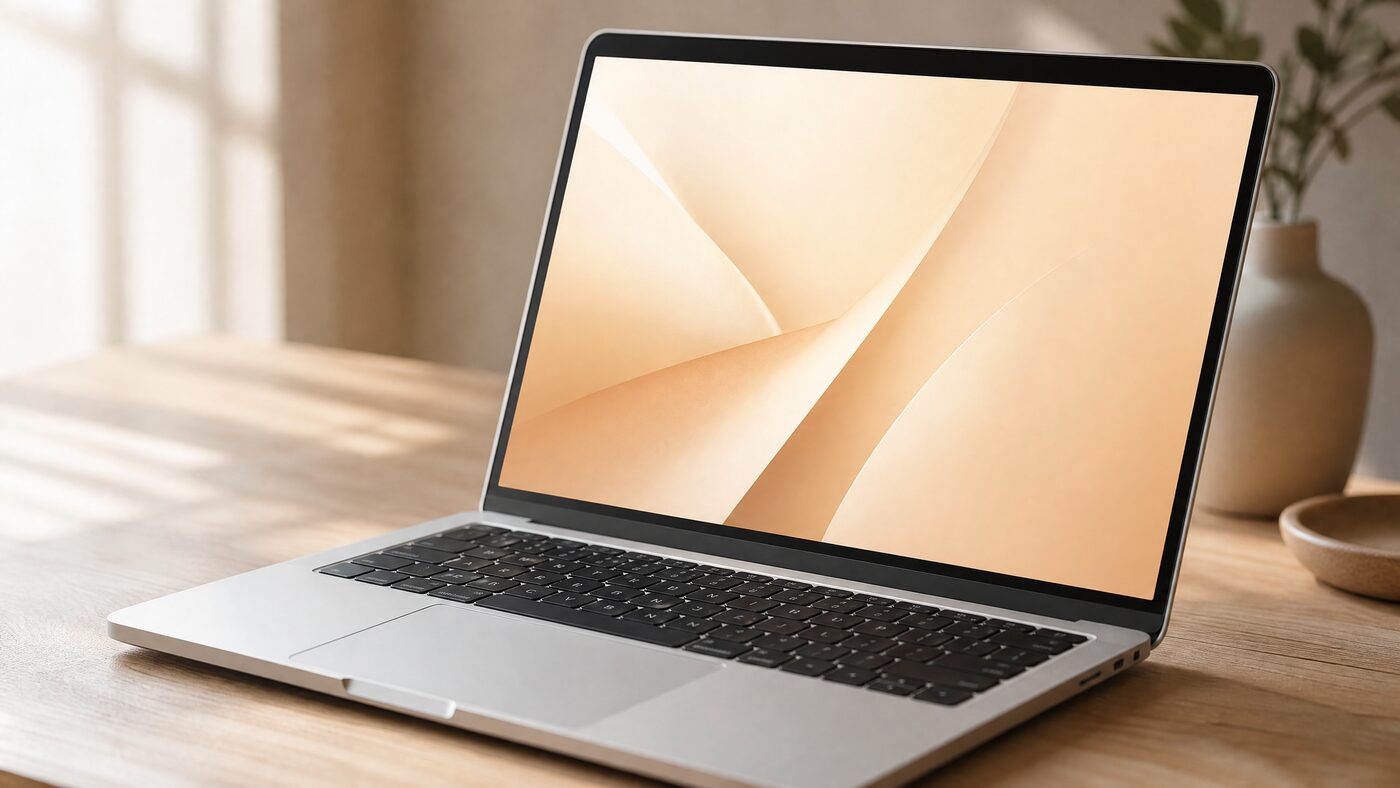
Quick answer
On macOS, the upstream Dream Skin flow supports installing, customizing with an image, starting, verifying and restoring. Prepare the composition in the browser first, use the reviewed Customize entry, and test a long task, a diff and the restore path before you rely on the theme.
5image formats upstream
50 MBsource image limit
1restore path
macOS platform guide
More capability means more responsibility.
The macOS Customize entry can use your own image, which is exactly what most people want. It also means a bad crop can follow you into every task. The browser studio exists to catch that before the engine touches the app.
The official app files, code signature and provider settings stay untouched. The engine uses a local loopback CDP session, which is a real local surface: keep it on 127.0.0.1, do not run unknown local programs while it is active, and restore when you are done.
How it works
The decisions that actually change the result
- 01
Prepare the image in the browser
Use PNG, JPEG, HEIC, TIFF or WebP. Keep the long edge at 1600 pixels or more and the subject away from the center.
- 02
Test all three surfaces
Home, Task and Diff. Raise panel opacity before you increase blur; blur hides the image but also creates muddy color.
- 03
Use the reviewed Customize entry
Follow the current upstream macOS instructions. Do not replace the official app, edit app.asar or disable code signing.
- 04
Restore on purpose
Run the restore once before you need it. Then verify the stock interface and relaunch Codex normally.
Prompt recipes
Prompt recipes for AI image models
These prompts are for creating a backdrop in your own account at WaveSpeed, SeeAPI, fal, Replicate or KIE. CodexSkin does not run them or charge for them.
Mac-friendly portrait backdrop
Wide 16:9 editorial portrait-style backdrop with a soft warm gradient, a single subject silhouette at the right edge, deep calm center for UI panels, no text, no logos, no watermark.Warm paper interior
Minimal warm-paper interior, pale oak and soft window light, one coral object, 16:9, large quiet center, no text, no logos, no people.Image-to-image readability pass
Keep the uploaded composition. Reduce detail and contrast in the center third, preserve the edges, add a subtle dark gradient behind the reading area, return a 16:9 desktop backdrop, no text or logos.Which path fits
4 paths, one honest table
Native appearanceNo engine; best for colors and fonts.
macOS CustomizeSupports a user image; requires the reviewed upstream engine.
Windows flowInstall and restore work; image customization is not at parity.
Patched appBreaks signatures and updates; do not use.
Next step
Use the fuller path, keep the same discipline.
Prepare the image, test all three surfaces, use the reviewed Customize entry and practice the restore.
FAQ
Questions people actually ask
Can I use my own image for a Codex skin on Mac?
Yes, through the upstream macOS Customize entry. Prepare and test the image in the browser first, then follow the current upstream instructions rather than an old tutorial.
What image formats work on macOS?
The upstream flow supports PNG, JPEG, HEIC, TIFF and WebP, with a source image limit around 50 MB. Use a wide image and avoid transparency unless you have tested the result.
Is the macOS skin safe?
It keeps the official app files and signature intact, but it uses a local CDP session. Keep the port on 127.0.0.1, review the engine source, do not run unknown local programs while it is active, and restore when finished.
Will the skin break after a Codex update?
Native colors usually survive. A background layer may need an engine update after a major release. Restore first, then check compatibility before reinstalling.
Does it work on Apple Silicon?
The upstream flow is designed for current macOS and Apple Silicon. Check the repository's current platform notes for the exact Codex version and any known limitations.
How do I remove a skin?
Use the engine's Restore entry, quit and relaunch Codex, then verify Home, Task and Diff. Do not delete random app files as a shortcut; use the documented restore path.